
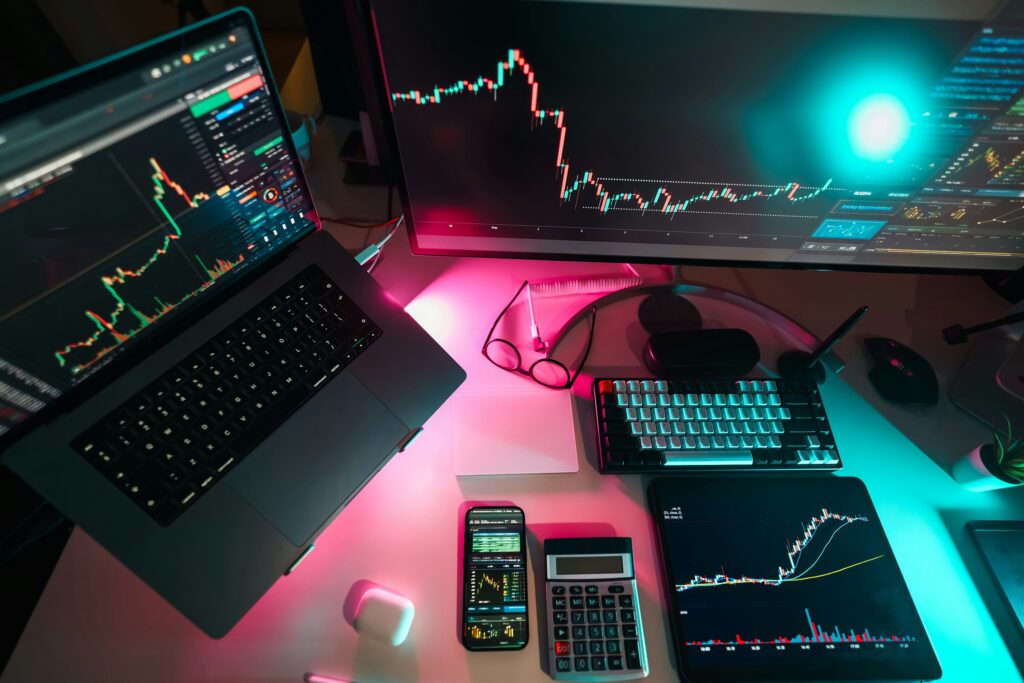
Wondering if you should upgrade your charting software? Read our honest TradingView Free vs Pro review to see if the paid features will actually improve your trading.
⚠️ Financial Disclaimer: I am not a certified financial advisor. This article is based on my personal trading experience and is for educational purposes only. Trading stocks, crypto, and forex involves high risk. Always do your own research.
The Real Cost of Free Charting
When I first started day trading, I refused to pay for charting software. I used the free version of TradingView for over a year, convinced that I didn’t need premium tools to be profitable.
But as my strategy evolved, I started running into extremely frustrating limits. I was missing fast scalping setups because of pop-up ads, and I couldn’t load all the indicators I needed at the same time.
Eventually, I bit the bullet and upgraded. In this TradingView Free vs Pro comparison, I am going to break down exactly what you get, what you lose, and whether the paid upgrade is actually worth your hard-earned money in 2025.
What You Get With TradingView Free (Basic)
Let’s be honest: TradingView’s free tier is still the best free charting software on the internet. If you are a long-term investor or a swing trader who only checks the markets once a day, the free version is likely all you need.
The limits of the Free Plan:
- Only 2 indicators per chart: This is the biggest dealbreaker for day traders. If you use a 9 EMA, a 20 EMA, and the RSI, you are already over the limit.
- One chart per tab: You cannot split your screen to watch Bitcoin and Ethereum side-by-side.
- Intrusive Ads: Pop-ups will appear on your screen, which is incredibly distracting when you are trying to execute a fast trade.
- No Volume Profile: You do not get access to advanced order block or volume profile tools.
Why I Finally Upgraded to TradingView Pro (Essential)
Upgrading to the “Essential” plan (previously called Pro) completely changed how I manage my daily watchlists.
1. Five Indicators Per Chart
As a day trader, you need confluence. With the upgraded plan, I can comfortably run my moving averages, MACD, and RSI on the same screen without having to delete and re-add them constantly.
2. Split-Screen Charting
This was the game-changer for me. The Pro tier allows you to split your screen into two charts.
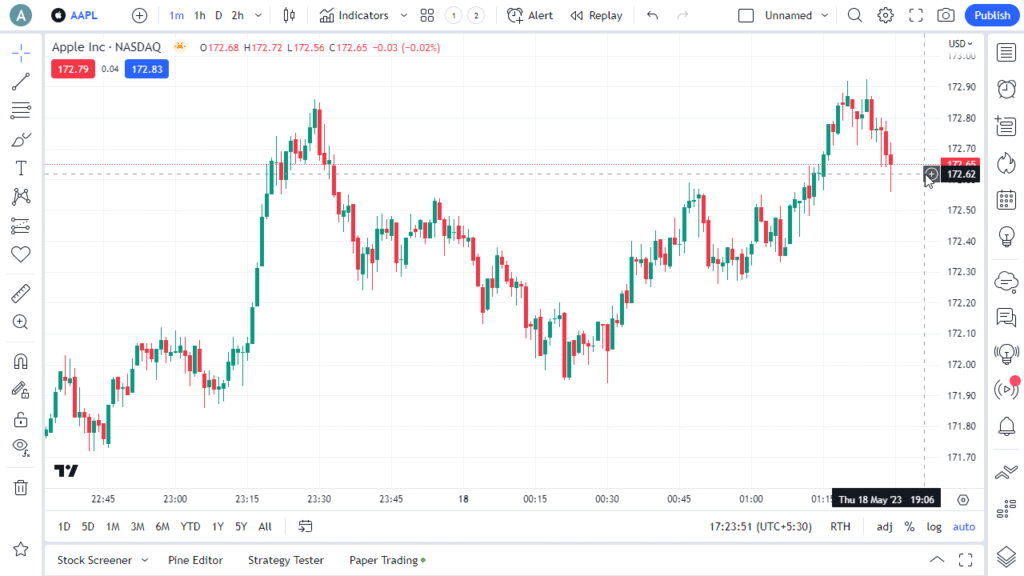
I use this feature daily to watch the 1-hour trend on the left, while looking for 5-minute entries on the right. It keeps you on the right side of the momentum.
3. Ad-Free Trading
When the market is moving fast, the last thing you want is a giant banner ad blocking your candlesticks. The paid version is completely ad-free, keeping your workspace clean and professional.
Pros and Cons Summary
TradingView Free
- Pros: 100% free forever, gives access to global markets, great for beginners.
- Cons: Annoying ads, only 2 indicators, no split-screen, basic alerts.
- Pros: 5 indicators per chart, 2 charts per window, no ads, access to custom timeframe intervals.
- Cons: Costs a monthly subscription fee, customer support can still be slow.
Final Verdict: Who Should Actually Pay?
If you are just paper trading or investing for retirement, stick to the free version. Do not waste your money on software you don’t need yet.
However, if you are actively day trading or scalping crypto, forex, or options, the TradingView Essential (Pro) upgrade is 100% worth it. The ability to use multiple indicators and split-screen layouts pays for itself by helping you catch setups you would have otherwise missed.
What charting software are you currently using? Let me know in the comments below, and check out my guide on the The 15-Minute NY Open Strategy And The Exact Chart Setup You Need, to set up your newly upgraded charts!